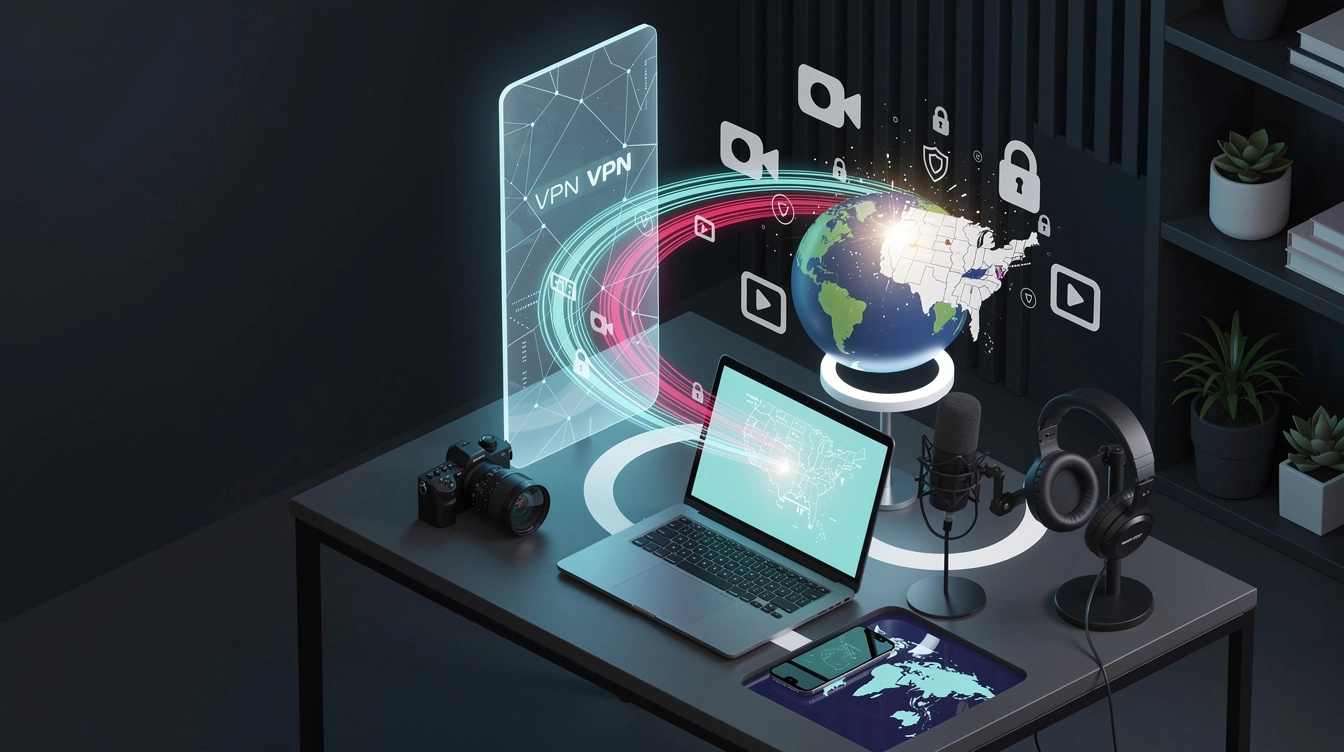
If you create content outside the United States but want to reach US viewers, VPN split tunneling for social media can give you more control without routing your entire device through a US connection. You can send TikTok, Instagram, or YouTube through a dedicated US IP while leaving banking, messaging, work tools, and local services on your normal connection.
That balance is useful for creators who need a consistent publishing environment but still depend on local apps every day. The goal is not to make every part of your device appear American. It is to give your creator apps a stable, intentional connection that matches the audience you are trying to reach.
What VPN Split Tunneling for Social Media Does for International Content Creators
Split tunneling lets you choose which apps use the VPN and which apps use your regular internet connection. Depending on the VPN app, you may see this called app-based split tunneling, per-app VPN, or bypass VPN.
For example, your routing plan might look like this:
- TikTok, Instagram, YouTube, and your creator browser: through the US VPN connection
- Banking, government services, local delivery apps, and workplace tools: outside the VPN
- Messaging apps: either route, depending on whether you need local or US connectivity
This setup can reduce friction caused by sending your entire device through another country. Local websites may load more naturally, workplace security systems are less likely to see an unexpected foreign IP, and services that depend on your usual connection can continue working normally.
Before configuring anything, check whether your VPN supports app selection on your device. Windows, macOS, and Android commonly offer per-app controls through supported VPN clients. iPhone and iPad options can be more limited, so the exact process depends on the provider and the app version.
Why Routing Only Creator Apps Through a US IP Can Reduce Location Conflicts
Social platforms use more than one signal to understand account activity. Your IP address is one signal, but the app may also consider device settings, GPS permissions, time zone, language, account history, and login patterns. A VPN cannot guarantee a particular audience, distribution level, or recommendation result, but a consistent connection can remove one avoidable source of inconsistency.
Routing only creator apps through the US can help in three practical ways:
- It separates creator activity from unrelated traffic. Your local banking or work apps do not have to appear to come from the US.
- It reduces unnecessary IP changes. If your creator apps consistently use the same dedicated US IP, that is generally cleaner than jumping between random VPN servers.
- It makes troubleshooting easier. If a platform behaves differently, you can check the VPN route, app permissions, and account settings without changing your entire device setup.
Keep expectations realistic. A US IP does not automatically make an account US-based, and it does not replace strong content, audience research, or platform compliance. Also, do not repeatedly switch countries during publishing sessions. Consistency is usually more sensible than constantly chasing a new location.
Break out of your local algorithm
Get a clean US IP that TikTok and Instagram actually trust. Setup takes 60 seconds.
How to Configure VPN Split Tunneling for Social Media
Use this workflow to set up VPN split tunneling for social media without guessing which traffic is protected.
1. Choose a stable US server
Select a US location that is geographically sensible for your audience and keep it consistent. A dedicated US IP or clean, low-density IP is preferable to an overcrowded server frequently used by thousands of unrelated accounts. Avoid changing cities every time you upload.
2. Install and sign in to the VPN app
Use the official VPN application for your device. Sign in, choose the US connection, and connect before opening TikTok, Instagram, or YouTube. If the app offers an automatic connection rule, set it to connect when your selected creator apps launch.
3. Select the apps to route through the VPN
In split-tunneling settings, choose an option such as Only selected apps use VPN or Include apps. Add the social apps you actively use, plus any creator browser or upload tool that needs the same route. If you use TikTok or YouTube through a desktop browser, select that browser rather than only the mobile app.
If the menu instead says Bypass VPN, make sure you understand the behavior. In that mode, selected apps may be excluded from the VPN, which is the opposite of what you want.
4. Check for related traffic
Some social apps open links in an in-app browser or hand tasks to another system component. If login, uploads, or analytics pages behave inconsistently, test the browser you use for those tasks as well. You may need to include the main browser or a companion desktop application.
5. Test before publishing
Connect to the US server, close and reopen the social apps, then check the public IP using a browser that is routed through the VPN. Confirm that your creator browser shows the US IP and that an excluded browser or app still uses your normal connection. Also check for DNS or IPv6 leak protection if your VPN provides those controls.
Finally, keep your device time zone and language settings intentional, grant location permission only when needed, and avoid logging in and out repeatedly while testing. Make one change at a time so you know what actually fixed a problem.
Common VPN Split Tunneling for Social Media Mistakes and How a Dedicated US IP Fits In
One common mistake is assuming that a VPN connection covers every app automatically. Split tunneling can leave browsers, upload tools, or background services outside the tunnel. Another is selecting the wrong mode and accidentally bypassing the VPN for the very apps you wanted to protect.
Creators also run into trouble by using crowded, frequently flagged VPN addresses or by rotating servers too often. A VPN helps with connection routing, but it cannot conceal every location signal and should not be used to evade platform rules. Keep your account information accurate, use normal login behavior, and follow each platform’s policies.
A dedicated US IP from a provider such as VPN To US can fit this workflow when you want creator apps to use one clean, low-density connection instead of a constantly changing pool of shared addresses. It is a practical option for international creators who want to separate US-facing publishing activity from the rest of their device.
Looking for the simplest way to reach US audiences? VPN To US gives you a clean, consistent US IP in 60 seconds.
Final Takeaway
VPN split tunneling for social media is most useful when you want control rather than an all-or-nothing location change. Route TikTok, Instagram, and YouTube through a stable dedicated US IP, leave unrelated apps on your normal connection, test the routing carefully, and keep your account behavior consistent. With that setup, you can protect your creator connection while continuing to use the rest of your device normally.