If you use a VPN to reach viewers in the United States, understanding browser fingerprinting VPN issues is just as important as choosing a US IP address. TikTok, Instagram, and YouTube can evaluate more than your visible IP when deciding whether an account activity looks consistent. Your browser, device, location settings, and login habits all contribute to the picture.
A VPN is useful for protecting your connection and routing traffic through a US location, but it is not a complete identity switch. For creators managing international accounts, the goal should be a stable, believable setup rather than constantly changing signals.
What Browser Fingerprinting Reveals About Creators Using a VPN
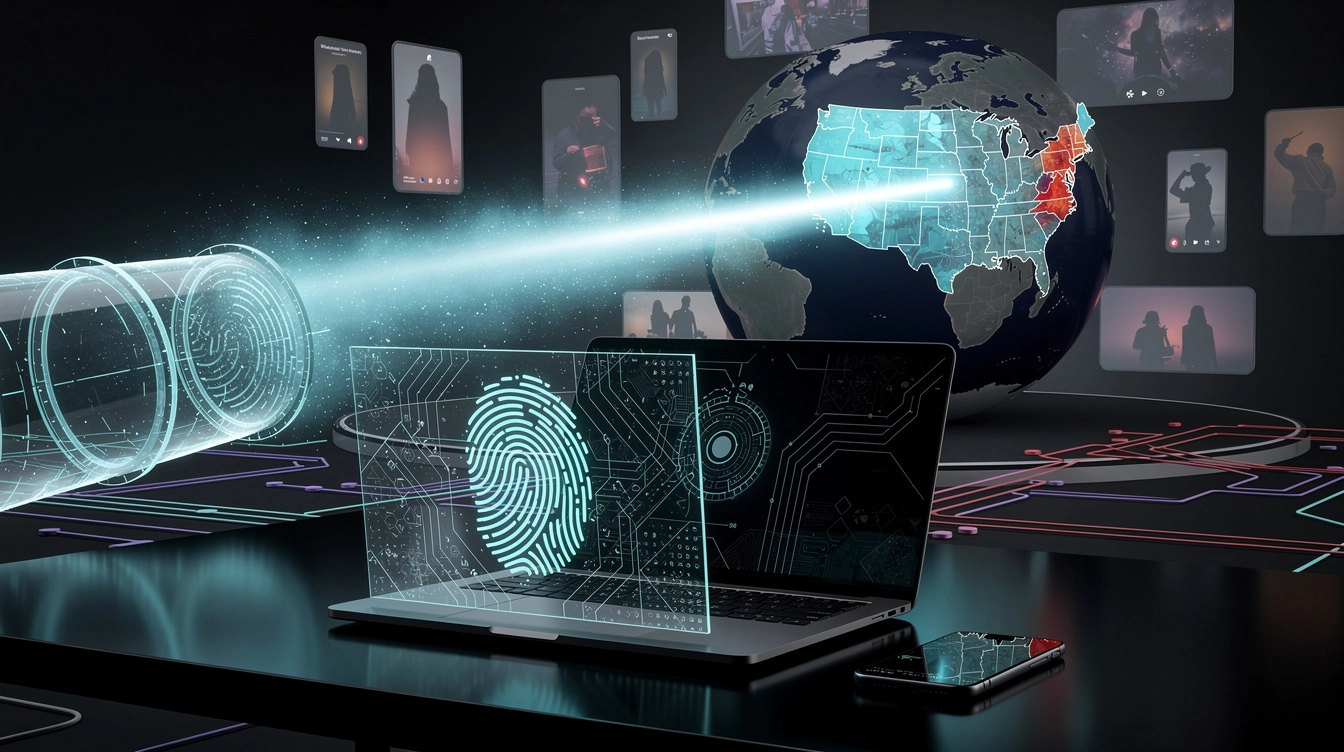
Browser fingerprinting is a technique used to recognize a device or browser based on its configuration. It can include details such as your operating system, browser version, screen size, installed fonts, language preferences, time zone, graphics capabilities, and certain rendering behaviors.
Some websites also observe information from JavaScript, canvas and WebGL rendering, media settings, and browser APIs. These details may combine into a pattern that is reasonably distinctive, even when cookies are deleted. A VPN changes the route your internet traffic takes and can hide your original IP address, but it usually does not change these underlying device characteristics.
For example, imagine logging into a creator account through a US VPN server while your browser reports a European time zone, your system language is different, and your device has a configuration previously associated with other locations. None of those details automatically means your account will be restricted. However, they can create a less consistent account signal when combined with frequent IP changes, unusual login times, or rapid switching between devices.
Fingerprinting is also not a single pass-or-fail test. Social platforms may combine many signals, including account history, behavior, device information, IP reputation, login patterns, and content activity. A browser fingerprint alone is not proof of a policy violation, but creators should understand that a VPN cannot make every part of their digital environment appear US-based.
Why a US IP Address Alone Does Not Create a Consistent Account Signal
A US IP can help platforms see that a connection is coming from the United States, but it is only one piece of the account context. If the IP says New York and your device repeatedly reports a different time zone, language, or location pattern, the overall picture may be less coherent.
The same applies to network quality. Public VPN servers are often shared by many users and may have a history of spam, automation, or abuse. If an IP has been flagged or appears on reputation lists, legitimate creators can end up dealing with extra verification or reduced trust through no fault of their own. This is one reason a dedicated, clean, low-density IP is often more practical for account management than jumping between heavily shared servers.
Consistency does not mean pretending to be someone else or bypassing platform rules. It means keeping ordinary account activity aligned with your real workflow. Use the same general connection location, avoid logging in from several countries within a short period, and do not make sudden changes to every account setting at once.
You should also remember that content distribution depends on more than network location. Audience engagement, watch time, retention, language, captions, posting schedule, account history, and the quality of your content remain important. A US IP may support your operating setup, but it cannot guarantee US reach or prevent every account issue.
Break out of your local algorithm
Get a clean US IP that TikTok and Instagram actually trust. Setup takes 60 seconds.
How to Reduce Browser Fingerprinting VPN Conflicts on Social Platforms
Start by choosing one primary device and browser for each important creator account. Constantly moving between a phone, tablet, work computer, and virtual machine can create more variation than necessary. If you need multiple devices, keep the setup intentional and avoid logging in from all of them at random.
Review your browser and operating system settings before you begin:
- Set a consistent display language that matches the audience and workflow you are targeting.
- Use a time zone that makes sense for your regular operating location and posting schedule.
- Keep your browser updated, but avoid switching between browsers without a reason.
- Check that WebRTC or similar browser features are not exposing a conflicting local network address.
- Disable unnecessary extensions, especially unknown privacy, automation, or user-agent tools.
- Keep your screen, font, and zoom settings relatively stable instead of constantly changing them.
Privacy tools can be helpful, but stacking too many anti-fingerprinting extensions may make your browser look unusual or change its fingerprint frequently. The objective is not to create a perfectly invisible browser. It is to reduce unnecessary variation and protect information that does not need to be exposed.
For account security, enable two-factor authentication, use a password manager, and review active sessions regularly. Avoid sharing login credentials with a large group or using automation tools that violate a platform's terms. If your team needs access, use approved account roles and document who is working on each profile.
Using a Dedicated US IP With Consistent Devices and Privacy Settings
A reliable workflow begins with the connection. Select one US location that fits your publishing routine, then use it consistently instead of rotating across cities and countries. A dedicated US IP reduces the chance that your account is repeatedly associated with unrelated users and activity. Clean, low-density IPs can also provide a more predictable connection than crowded public VPN endpoints.
Next, connect before opening your creator dashboards and keep the same browser and device pattern for routine work. Do not connect through a US server for one login and then immediately use a local network for another sensitive action. If you must change networks, allow the change to be occasional and explainable rather than constant.
It is also worth separating work and personal browsing where practical. A dedicated browser profile can keep creator cookies, extensions, and sessions organized without requiring aggressive fingerprint modification. Keep recovery email addresses and phone numbers current, and respond promptly to legitimate security checks instead of repeatedly retrying from different networks.
VPN To US is designed for creators who need this kind of predictable setup. It provides dedicated US IPs with a clean, low-density connection profile, helping you avoid the uncertainty of heavily shared VPN endpoints. You still need consistent devices, sensible privacy settings, and platform-compliant behavior, but a stable connection can make that workflow easier to maintain.
Looking for the simplest way to reach US audiences? VPN To US gives you a clean, consistent US IP in 60 seconds.
Conclusion: Treat Browser Fingerprinting VPN Issues as a Consistency Problem
A VPN protects your traffic and can provide a US IP, but browser fingerprinting VPN concerns remain because platforms can see many device and browser signals. For creators targeting US audiences, the practical answer is not endless location spoofing. Use a consistent device, stable privacy settings, a predictable US connection, and legitimate account practices.
When those pieces work together, your account activity is easier to manage and less likely to produce avoidable conflicts. Choose a dedicated US IP, keep your workflow steady, and focus on the content and audience signals that ultimately drive sustainable growth.